Theme Category • Minimal
Minimal Browser Themes
Minimal browser themes focus on simplicity, clarity, and reduced visual noise. This collection features clean layouts, restrained color palettes, and subtle contrast choices that help keep attention on your work, not your interface.
Themes in this category
Ideal for users who prefer a calm, uncluttered browser environment. Minimal themes are ideal for users who want a clean browser interface without visual distractions.
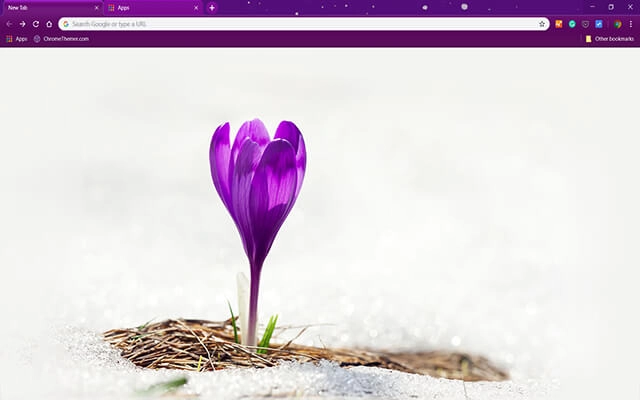
Alone Crocus

Baby Ducks

Baby Hedgehog
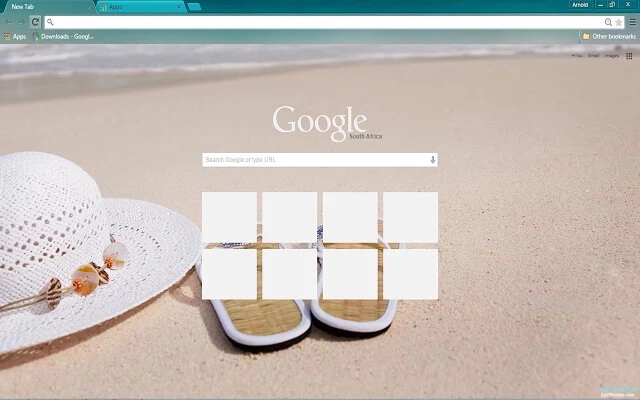
Beach Day
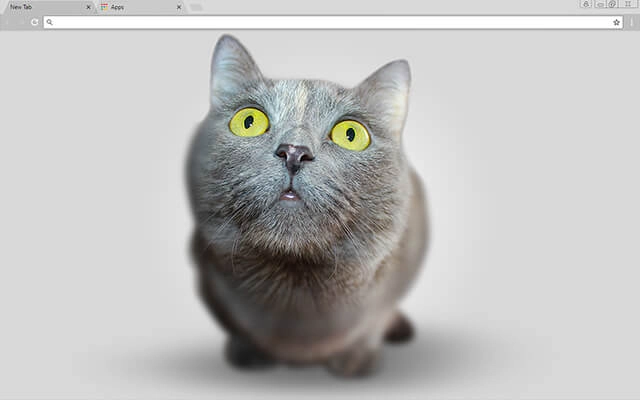
Big Head Kitten
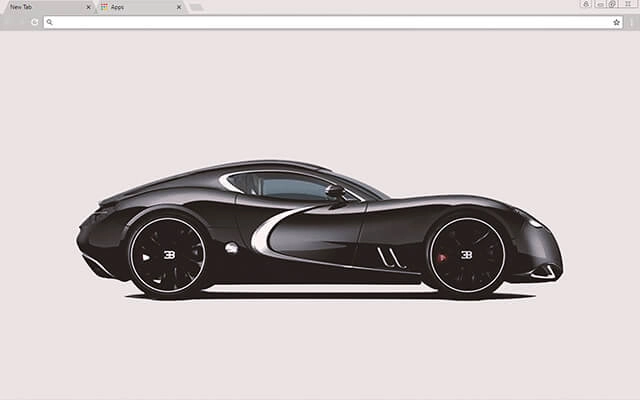
Black Bugatti
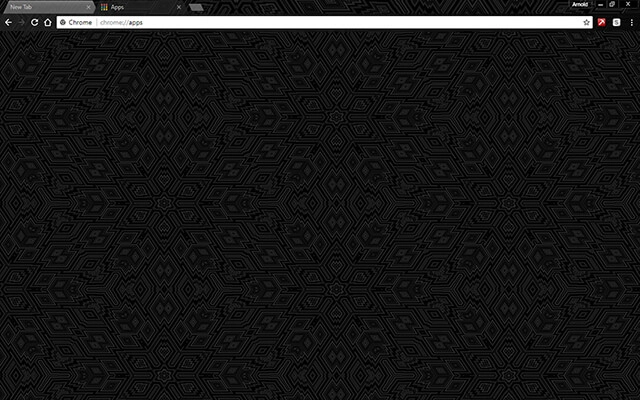
Black Design
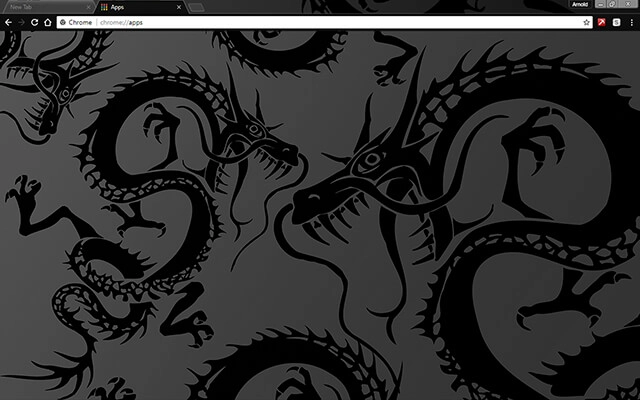
Black Dragon
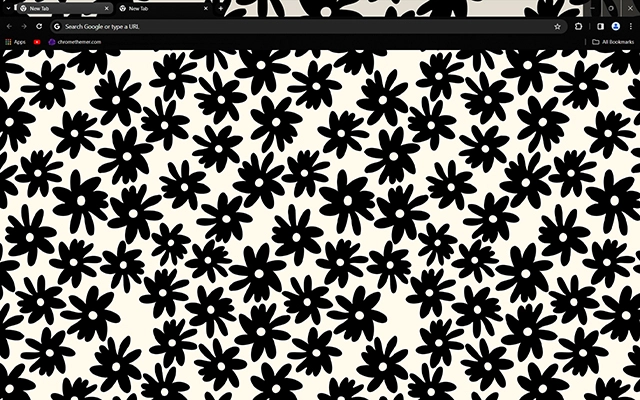
Black Flowers

Black Lama

Black Matte

Black Metal

Black Silk
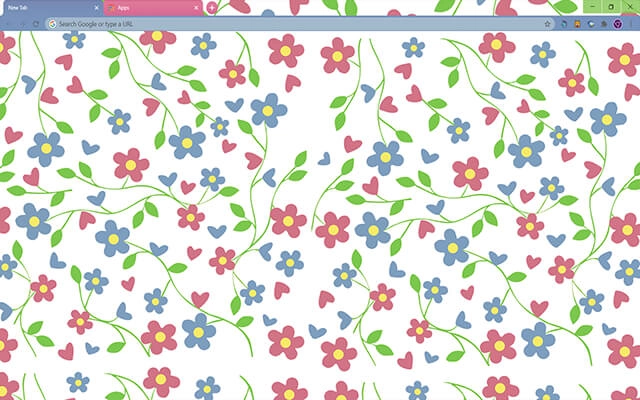
Blossoms of Love

Carbon Blackout

Carbon Pro

Cartoon Cats
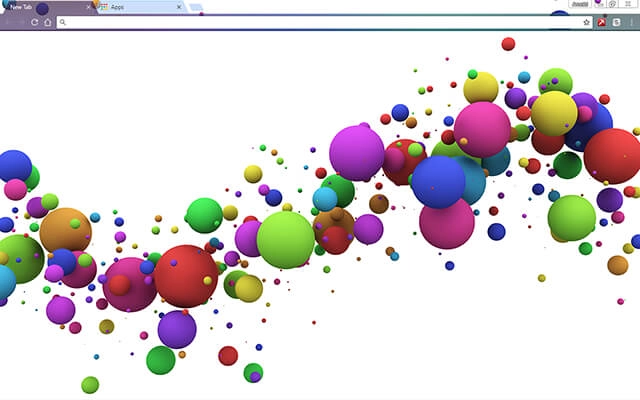
Color Splash
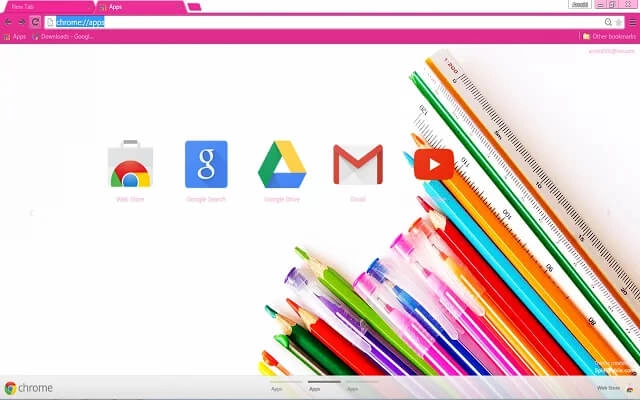
Color
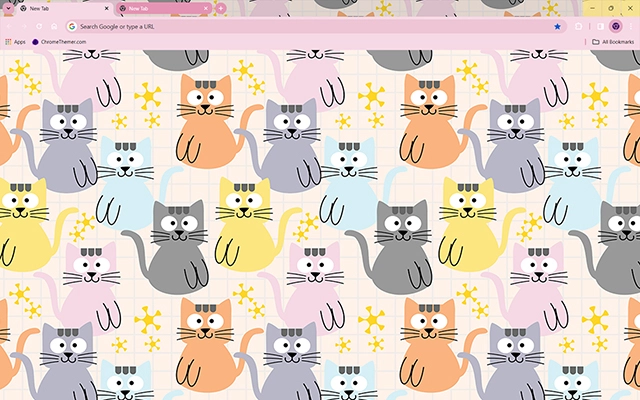
Colorful Cats

Concrete

Daisies
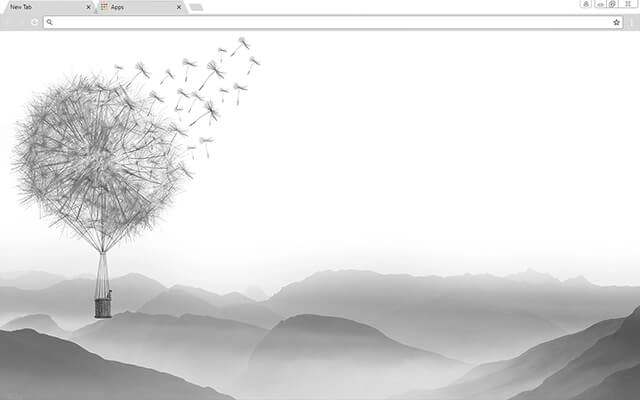
Dandelion Valley
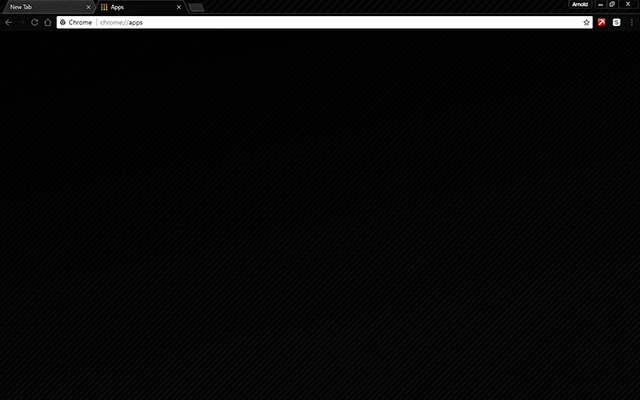
Dark Black

Dark Grey

Dark Horse
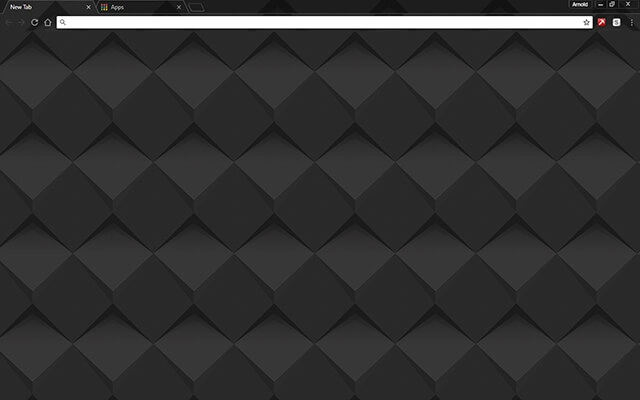
Dark Shader

Darker

Dog Nose

Elegant Pink
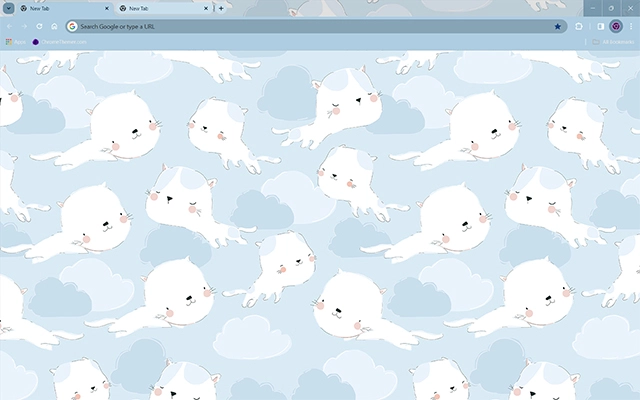
Flying Cats
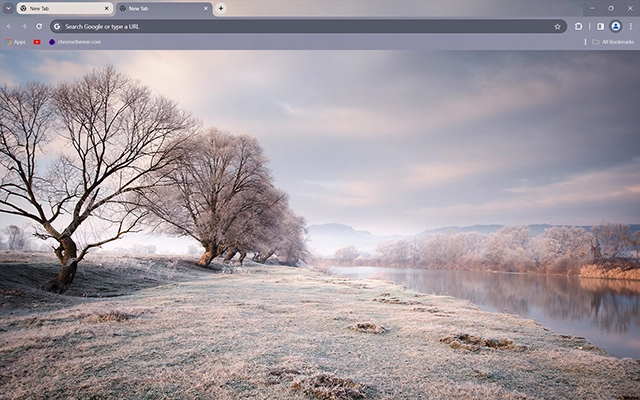
Frozen Meadow

Golden Christmas
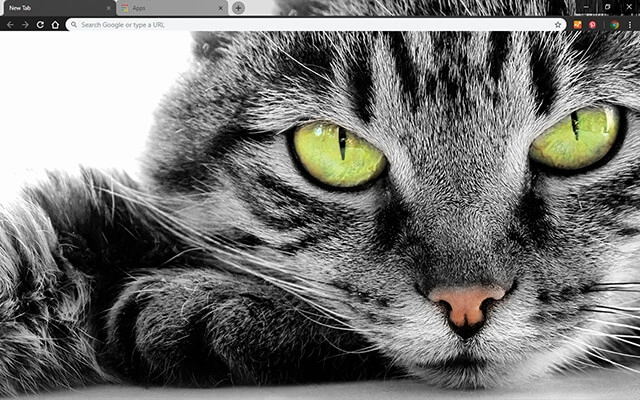
Green Eyed Cat

Gulls
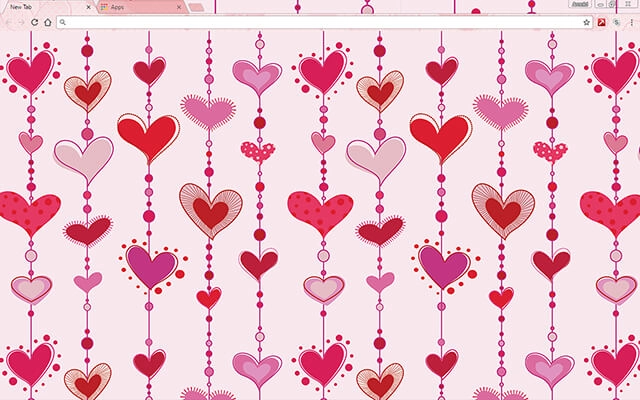
Hearts In Love
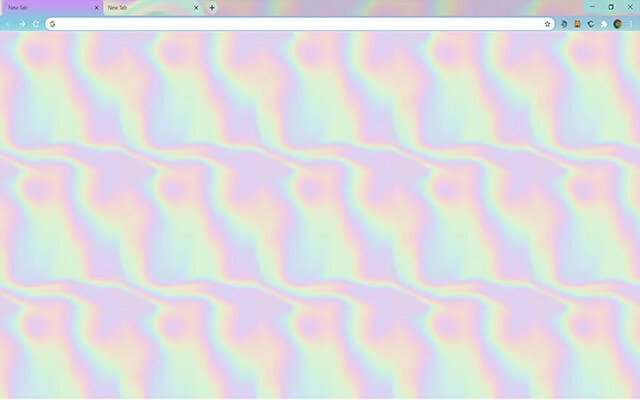
Holographic

Horses in Snow
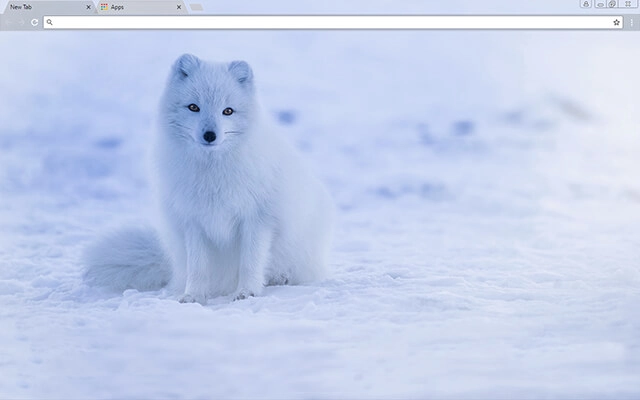
Iceland Fox
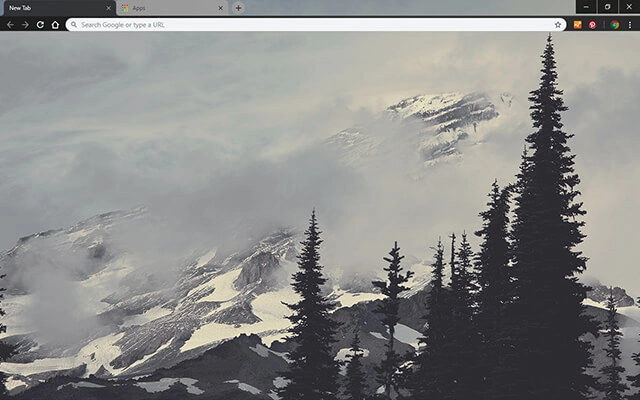
Mountain Fog
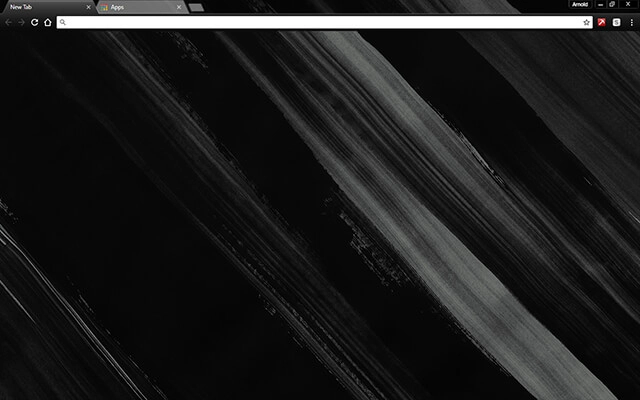
Painted Black
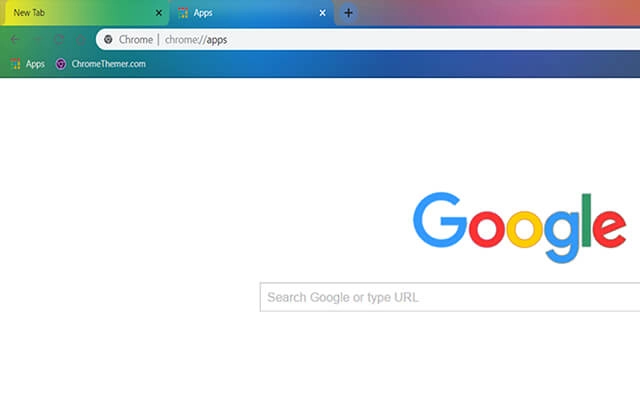
Rainbow Colors

Sea Of Fog

Siberian Husky Dog
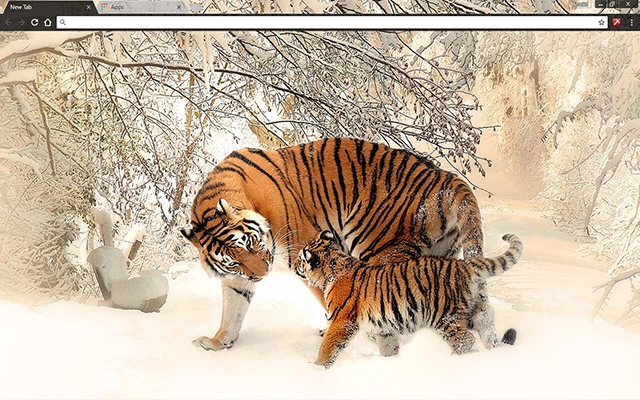
Siberian Tigers

Snowflakes
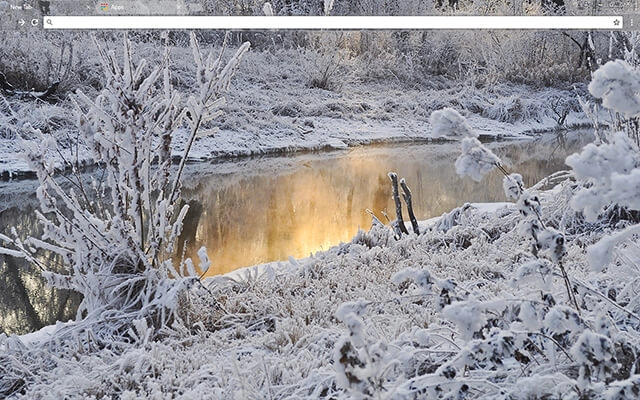
Snowy Creek
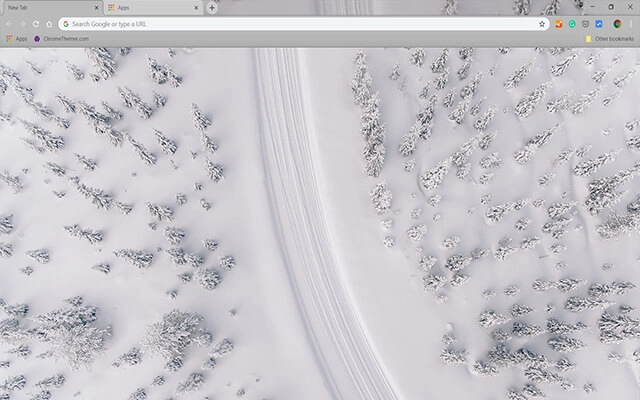
Snowy Road

Starfall
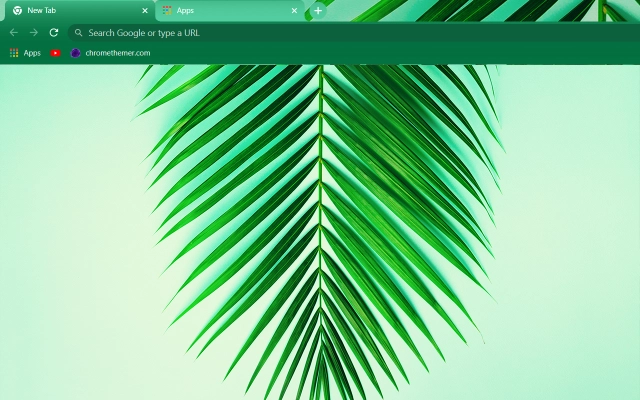
Summer Minimalist
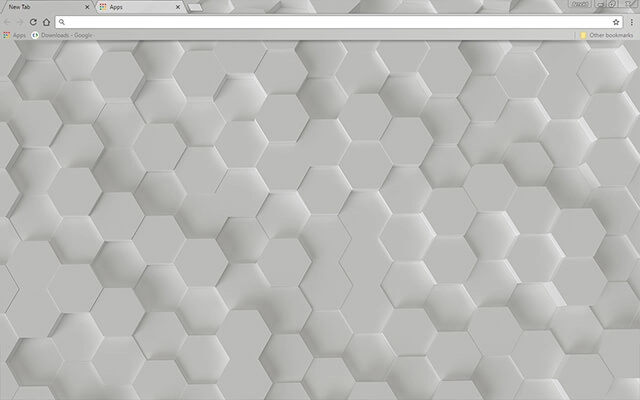
White Hex
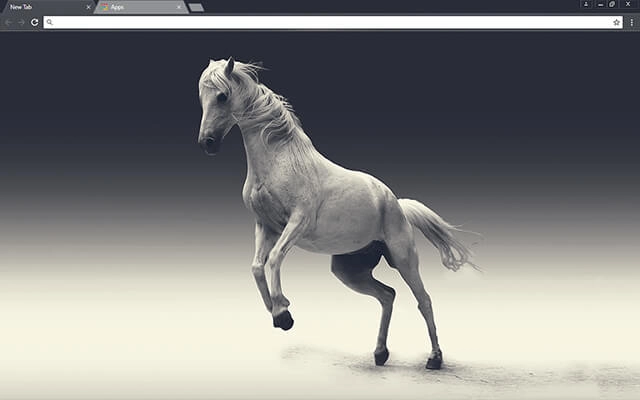
White Mare

White Mountain Top
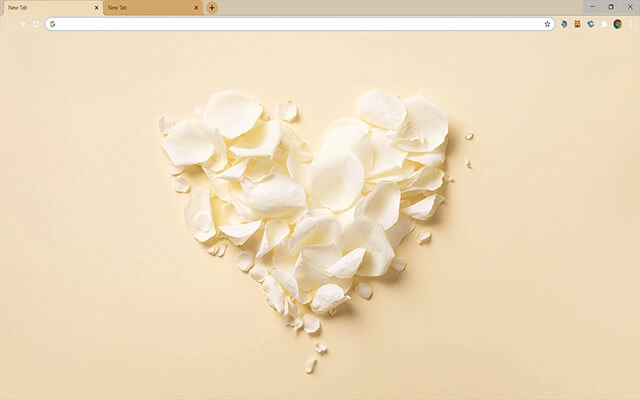
White Rose Petals

Whitetail Deer
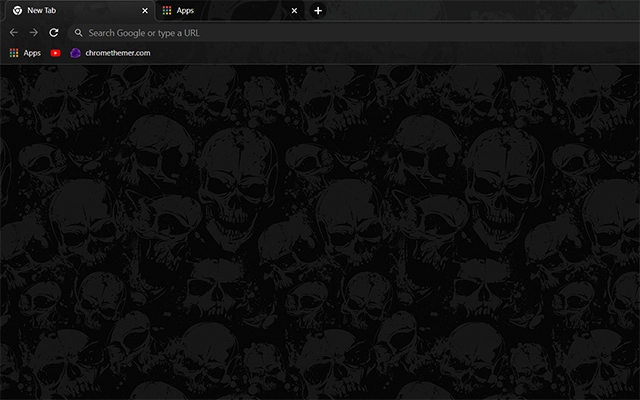
Wicked Skulls

Winter Tracks

Wolf

Zebras
Browse perfectly curated categories.
Focus
Distraction-free themes designed to reduce visual noise during focused work.
Browse focus themesMinimal
Clean, simplified themes that keep the interface quiet and efficient for work.
Browse minimal themesDark Mode
Dark mode themes designed to reduce eye strain during long browser sessions.
Browse dark mode themesStudy
Themes suitable for reading, research, and sustained study sessions.
Browse study themesLong Work Sessions
Visual stability and comfort for extended work sessions.
Browse long-session themesMinimal Chrome Themes
Minimal Chrome themes focus on simplicity. Instead of bold colors, heavy gradients, or decorative artwork, minimal themes reduce visual elements to the essentials — creating a cleaner browser interface that feels calm and uncluttered.
A minimal theme does not change how Chrome works. It does not add features, track data, or run in the background. It simply adjusts visual elements like the toolbar, tab bar, and new tab background so your browser looks streamlined and distraction-free.
When you spend most of your day inside a browser, small design choices start to matter. Busy visuals can quietly compete for attention, while neutral tones and simple layouts make it easier to focus on the content itself. Minimal Chrome themes aim to remove excess so your work — not the interface — becomes the center of attention.
Minimal themes can be installed instantly through the official Chrome Web Store and removed at any time through Chrome’s appearance settings. Changing your theme does not affect bookmarks, extensions, saved passwords, or browsing history — allowing you to experiment freely until your browser feels clean, balanced, and aligned with your workflow.
Why My Themes
I’ve been creating Chrome themes for a long time, and I also run ChromeThemer.com — a dedicated home for my theme library and a place where I’ve learned what people actually enjoy using every day.
You’ll find my themes on BrowserWorkTools too, but with a different mission: BrowserWorkTools.com is the more “grown-up” version, focused on practical browsing, deeper productivity, and showing you the tools, extensions, and workflows that make your browser feel like a real workspace.
If you like Chrome themes, I think you’ll love exploring BrowserWorkTools — it’s where the visuals meet better habits and smarter setups.
Note: Wallpapers are available on
ChromeThemer
(not on BrowserWorkTools).

Next steps
For functionality, visit productivity Chrome extensions. For systems, visit browser work setup and workflows.