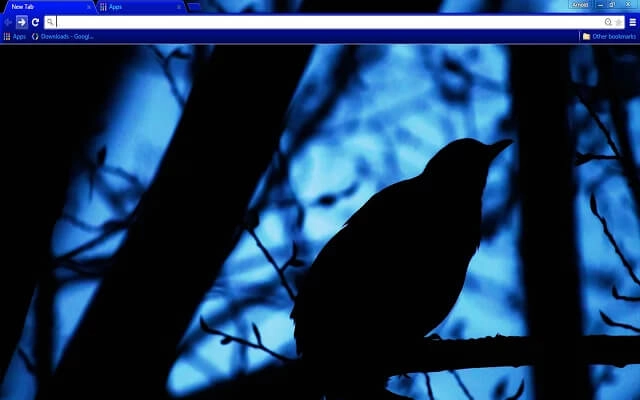
Theme Category • Dark Mode
Dark Mode Browser Themes
Dark mode browser themes help create a calmer, more focused workspace by reducing glare and visual noise. This collection features carefully selected dark themes designed for long work sessions, late-night browsing, and productivity-focused setups.
Themes in this category
Whether you prefer subtle contrast or deep blacks, these themes are built to support comfort, clarity, and efficient browser use. Dark mode themes are ideal for users who spend long hours working inside their browser.
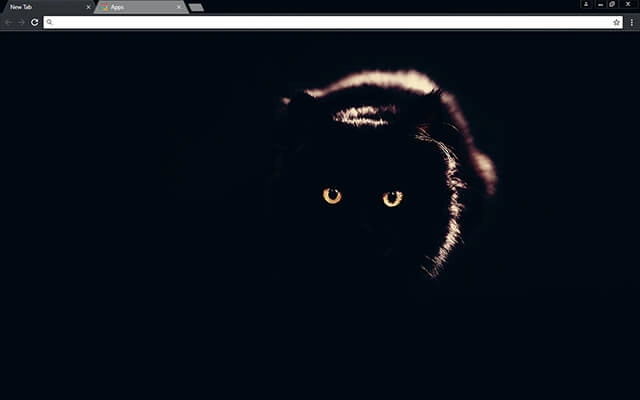
Black Cat
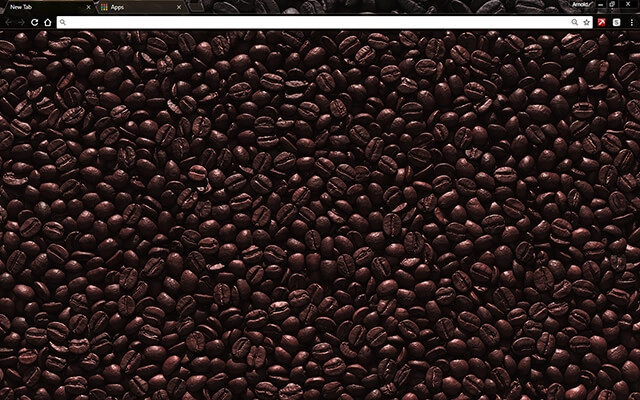
Black Coffee
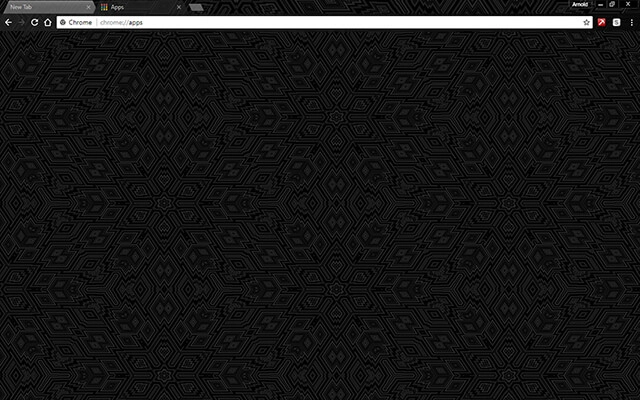
Black Design
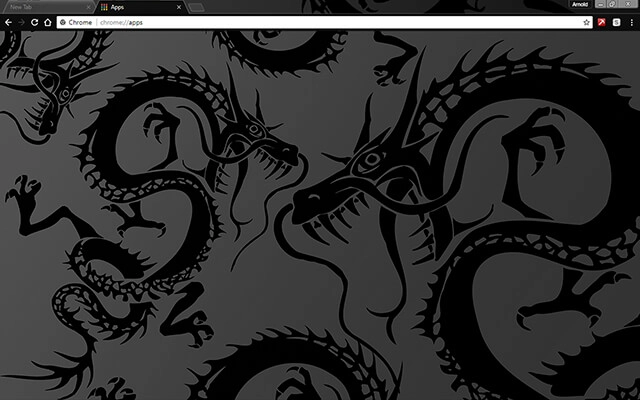
Black Dragon
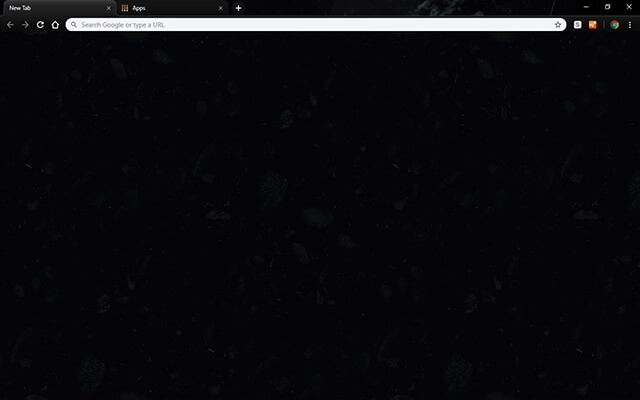
Black Massive

Black Matte

Black Metal

Black Silk
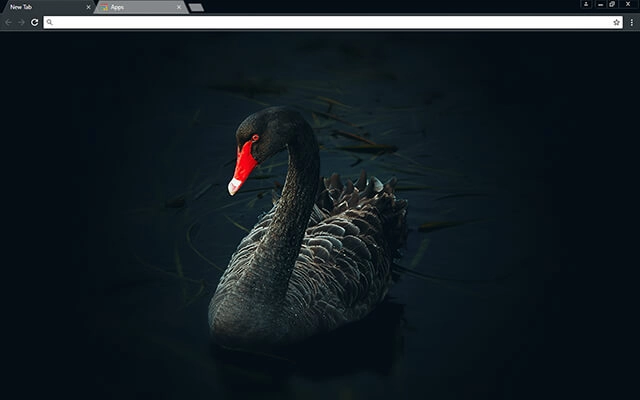
Black Swan

Black Tiger
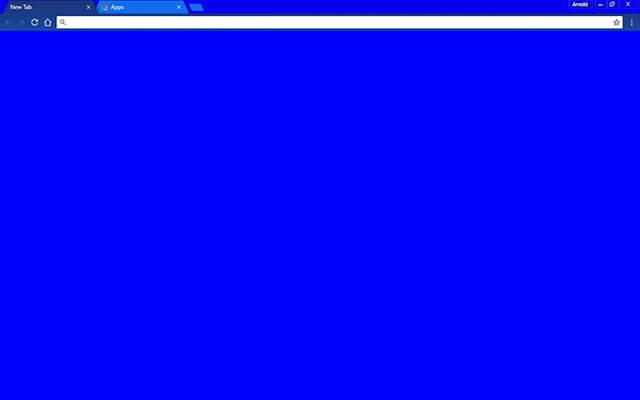
Blue Bloo
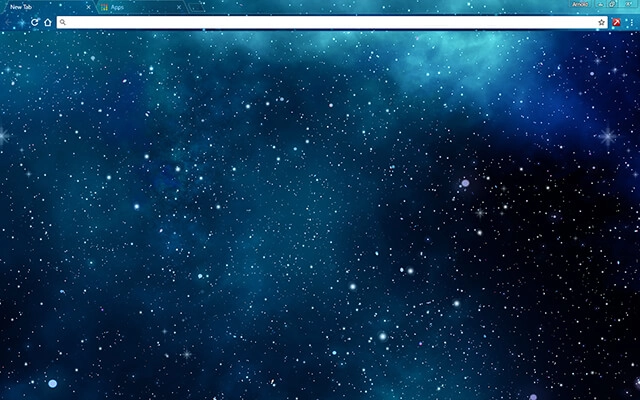
Blue Galaxy Stars

Blue Hacker

Blue Paint
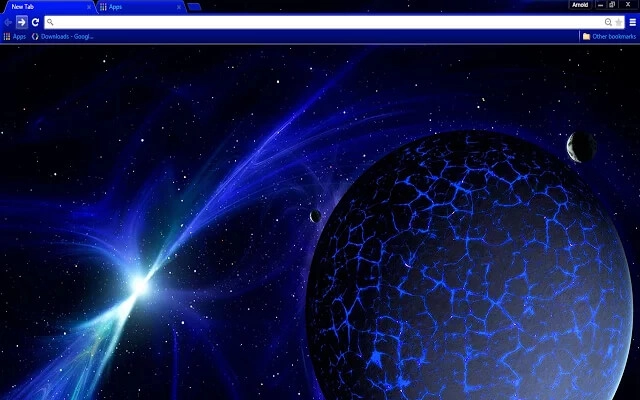
Blue Space
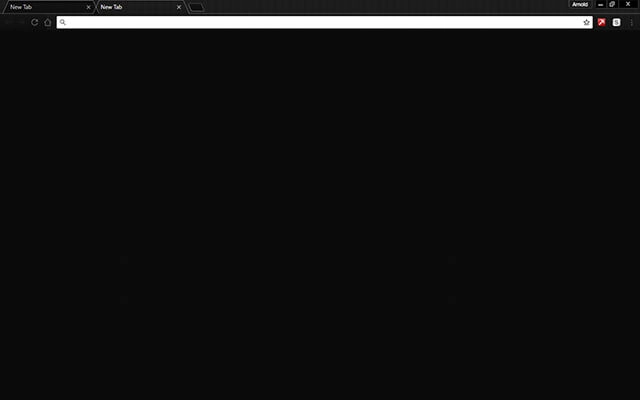
Carbon Blackout

Chromatic Blue

Colorful Flower
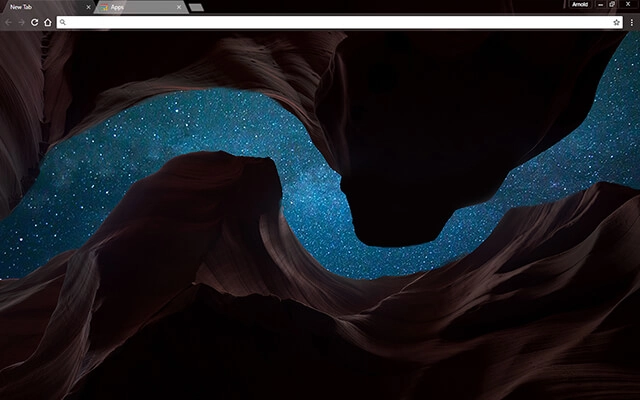
Cosmic Canyon

Crows
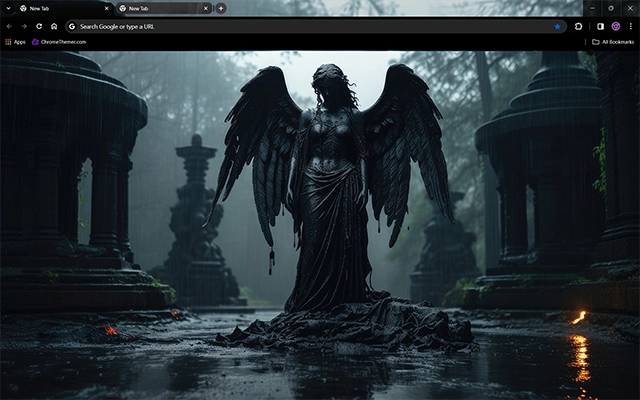
Dark Angel
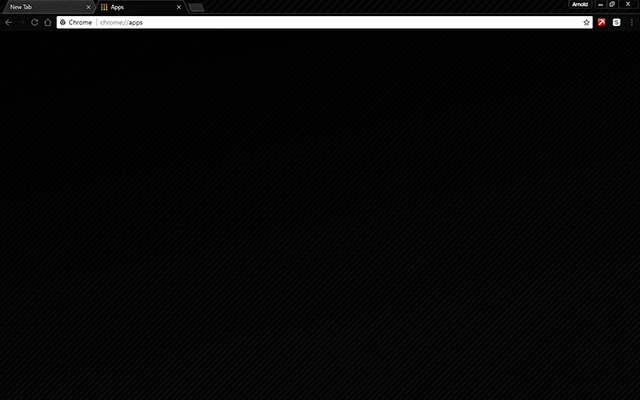
Dark Black
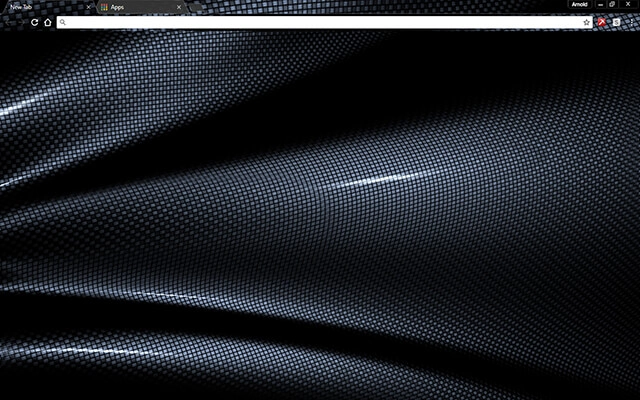
Dark Fiber

Dark Grey

Dark Grid
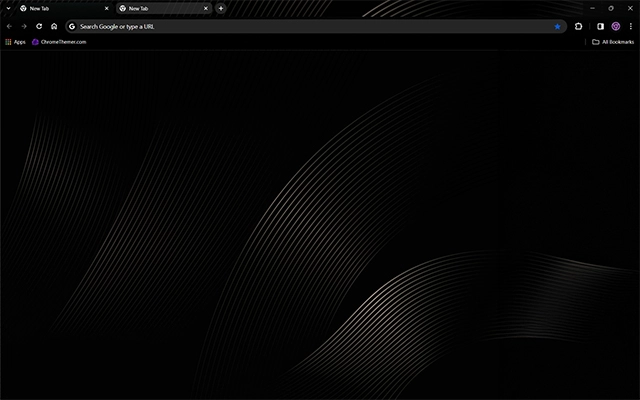
Dark Harmony
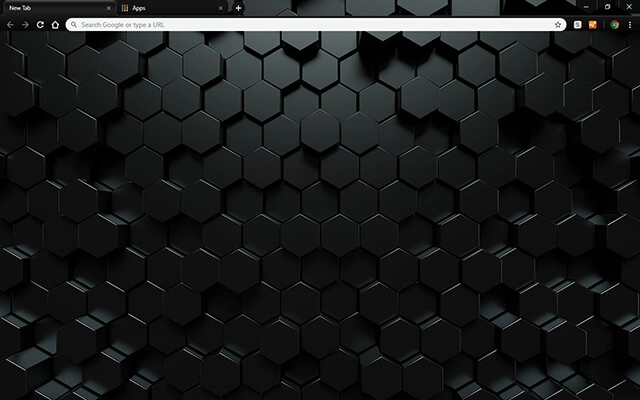
Dark Hexahedron

Dark Horse

Dark Paladin
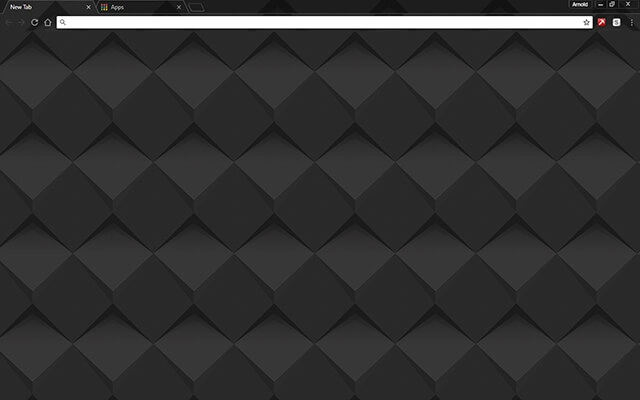
Dark Shader

Dark Space
Darker
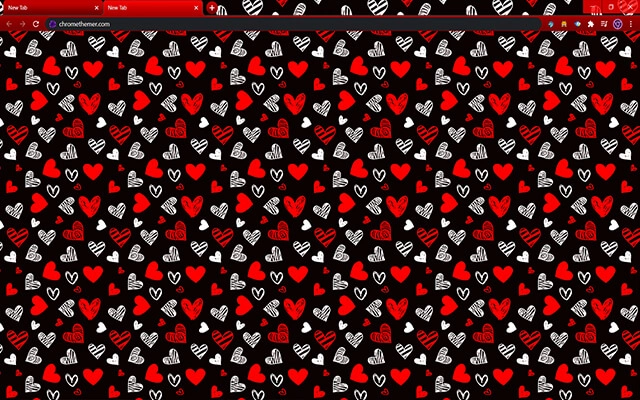
Drawn Hearts: Red & Black
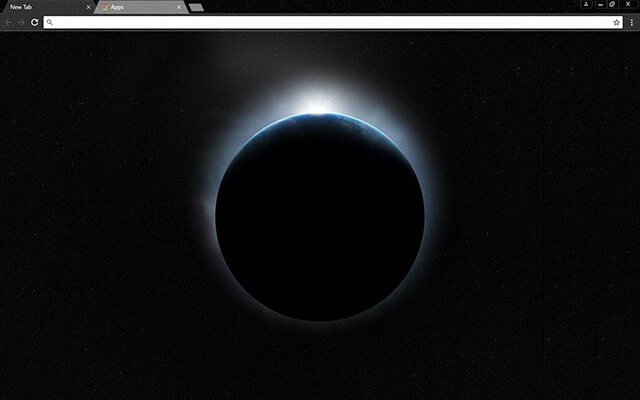
Earth 4K

Fade To Black

Foggy Night
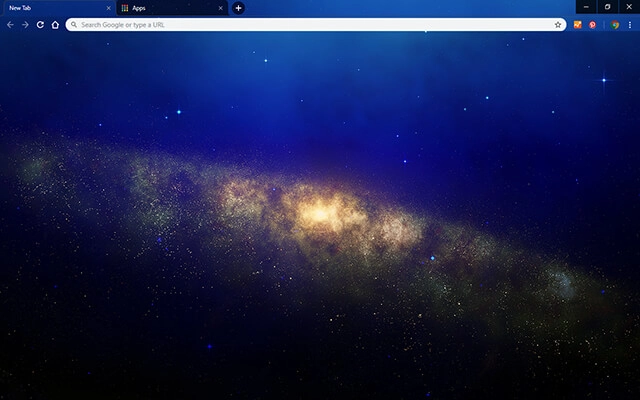
Galaxy Space

Grim Reaper Dark
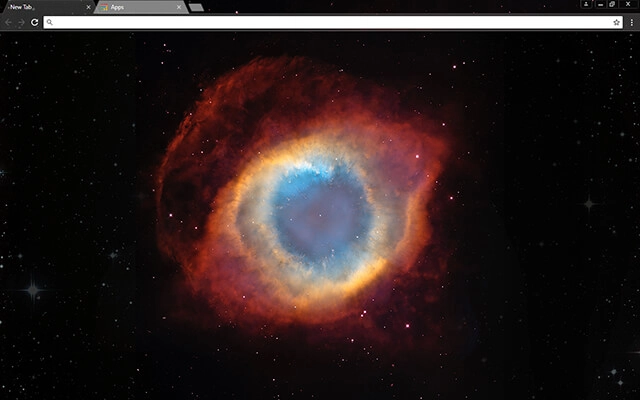
Helix Nebula
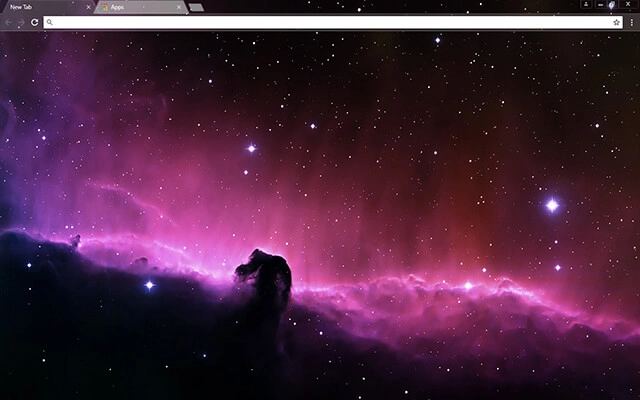
Horsehead Nebula

Mechanized Black
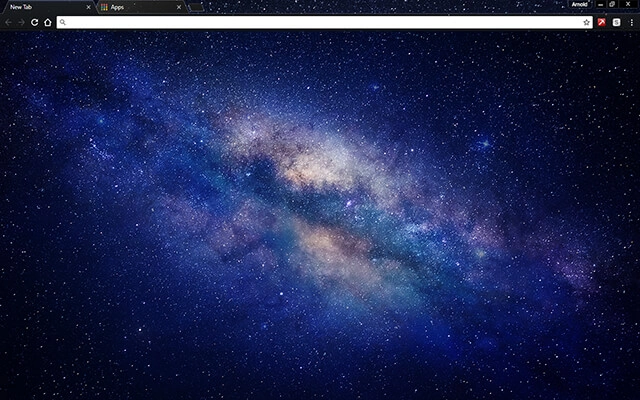
Milky Way Galaxy

Moonlight

Nebula Blue
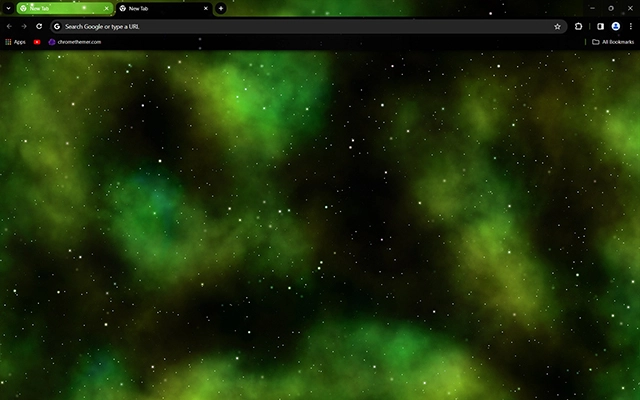
Nebula Green
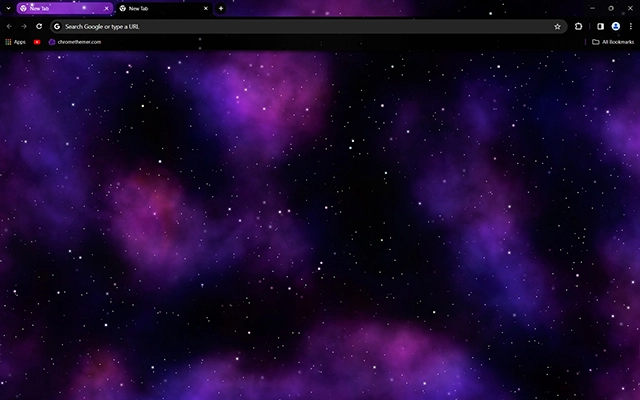
Nebula Purple

Nebula Red
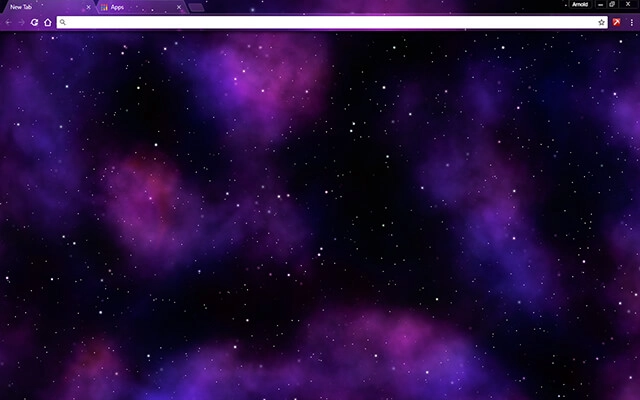
Nebula
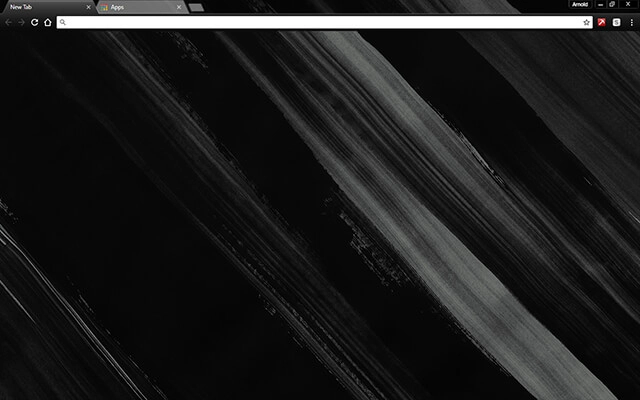
Painted Black

Puginator

Red Blaze

Redline
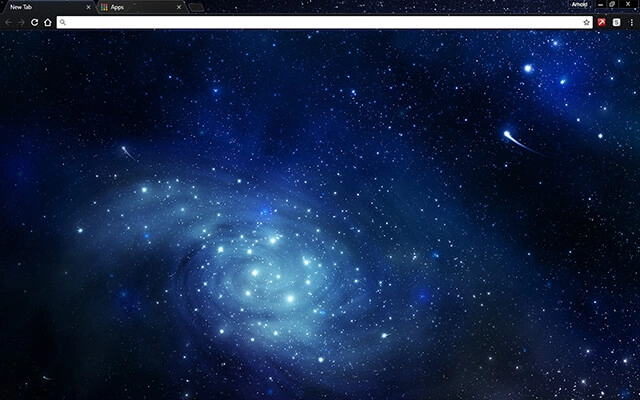
Space Blue

Space Moon
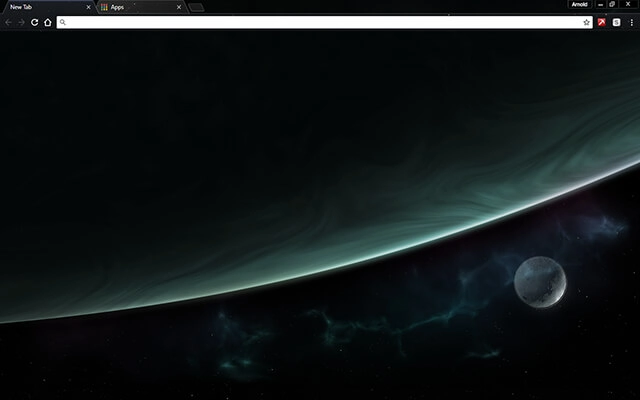
Space Orbit
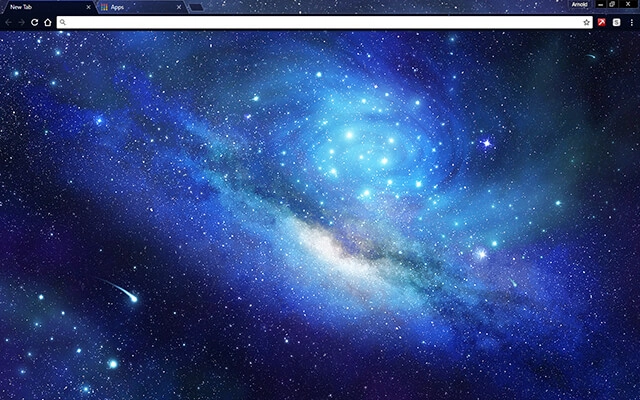
Stars In Outer Space
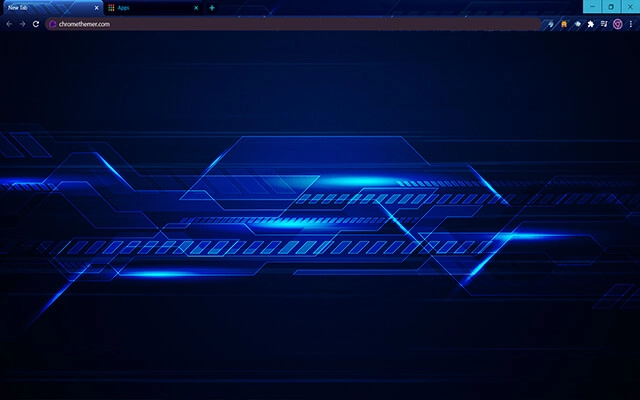
Techno Glitched Blue
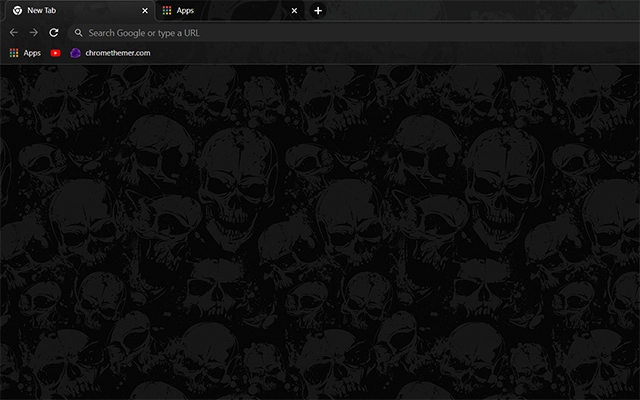
Wicked Skulls

Xmas Lights
Browse perfectly curated categories.
Focus
Distraction-free themes designed to reduce visual noise during focused work.
Browse focus themesMinimal
Clean, simplified themes that keep the interface quiet and efficient for work.
Browse minimal themesDark Mode
Dark mode themes designed to reduce eye strain during long browser sessions.
Browse dark mode themesStudy
Themes suitable for reading, research, and sustained study sessions.
Browse study themesLong Work Sessions
Visual stability and comfort for extended work sessions.
Browse long-session themesDark Chrome Themes
Dark Mode Chrome themes are designed to reduce brightness and create a calmer browsing experience. Instead of bright white toolbars and tab bars, dark themes use deeper tones that feel easier on the eyes — especially during long work sessions or late-night browsing.
Unlike extensions, dark mode themes do not change how Chrome functions. They do not run scripts, collect data, or add features in the background. A theme simply adjusts the visual appearance of elements like the toolbar, tab strip, and new tab background, making it one of the safest and lightest ways to personalize Chrome.
Many people switch to dark mode to reduce glare and visual strain. Bright interfaces can feel harsh after hours of screen time, while darker palettes create a more focused, less distracting environment. For users who spend most of their day in the browser, this small visual shift can make a noticeable difference in comfort and concentration.
Dark mode Chrome themes can be installed instantly through the official Chrome Web Store and removed just as easily through Chrome’s appearance settings. Switching themes does not affect bookmarks, saved passwords, extensions, or browsing history — so you can experiment freely until you find a look that supports your workflow.
Why My Themes
I’ve been creating Chrome themes for a long time, and I also run ChromeThemer.com — a dedicated home for my theme library and a place where I’ve learned what people actually enjoy using every day.
You’ll find my themes on BrowserWorkTools too, but with a different mission: BrowserWorkTools.com is the more “grown-up” version, focused on practical browsing, deeper productivity, and showing you the tools, extensions, and workflows that make your browser feel like a real workspace.
If you like Chrome themes, I think you’ll love exploring BrowserWorkTools — it’s where the visuals meet better habits and smarter setups.
Note: Wallpapers are available on
ChromeThemer
(not on BrowserWorkTools).

Next steps
For functionality, visit productivity Chrome extensions. For systems, visit browser work setup and workflows.