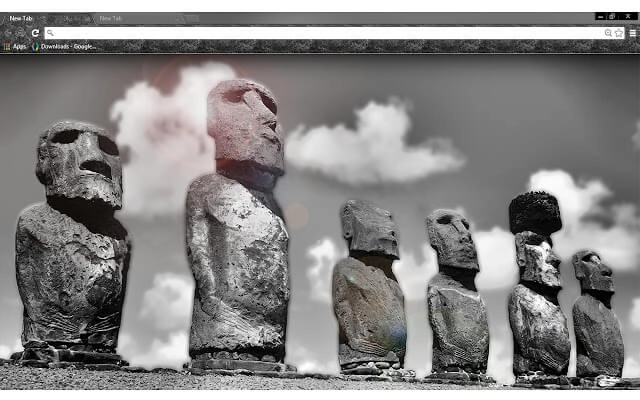
Theme category • Functional outcome
Focus Browser Themes
Focus themes are designed to reduce visual noise and support distraction-free browser work sessions. They are positioned as supportive visual configuration — not entertainment or novelty customization.
What makes a theme focus-friendly?
Focus-friendly themes typically use restrained contrast, limited accents, and consistent UI surfaces to keep attention on the task. Use them as the final step in a focused browser workflow after choosing the right tools and extensions.
- Reduced visual noise
- Stable interface surfaces
- Supports long focus sessions
Themes in this category
Theme entries will be added here later. For now, this category page establishes the correct intent and taxonomy.
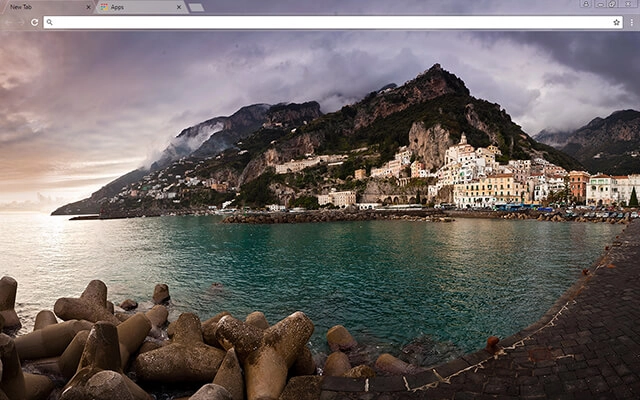
Amalfi Bay

American River

Anemone Flower

Arctic Ocean

Balance
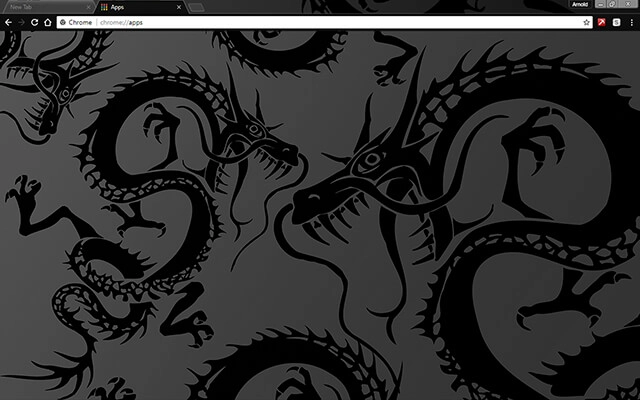
Black Dragon
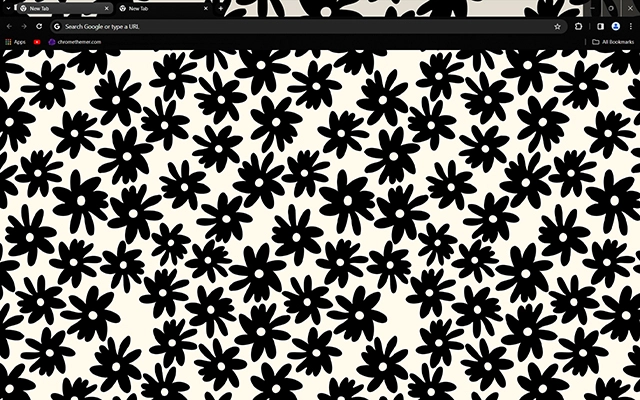
Black Flowers

Black Lama

Blue Jeans
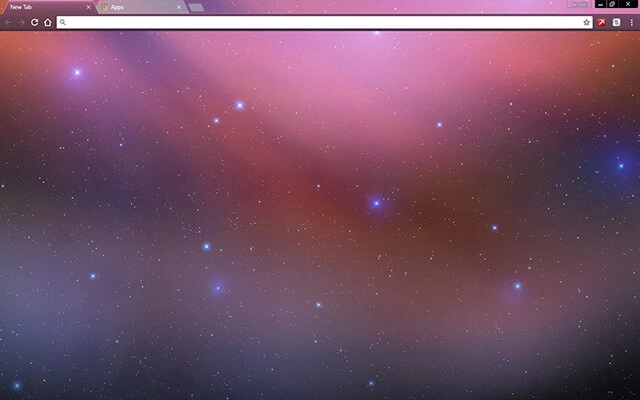
Blurred Space
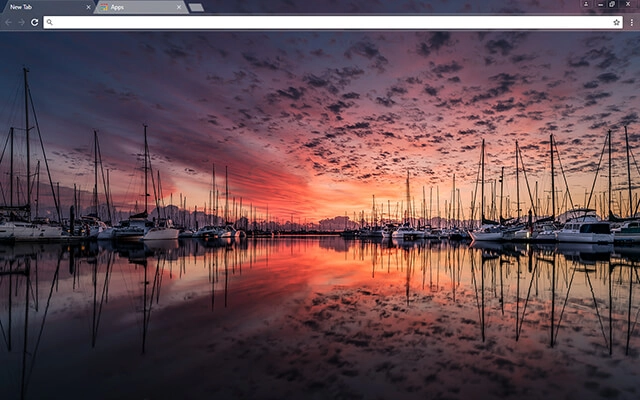
Boat Show
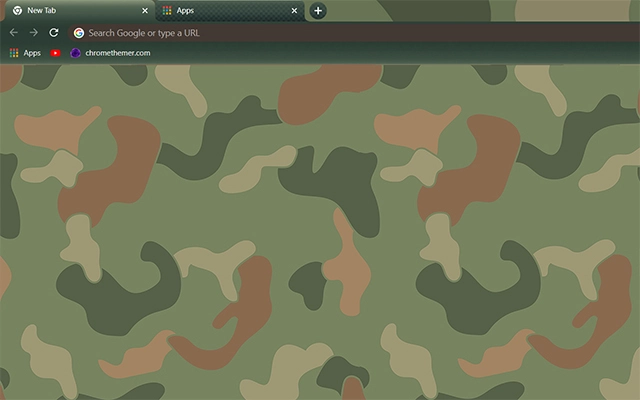
Camouflage

Carbon Pro
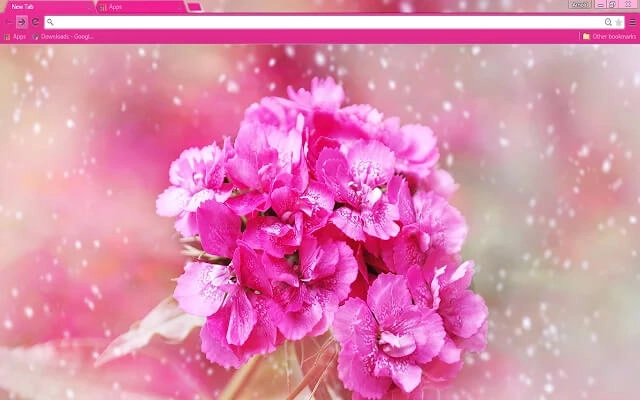
Carnation Flower
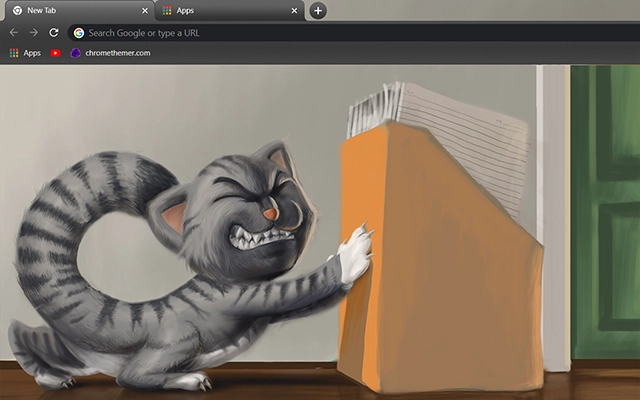
Cat at Work
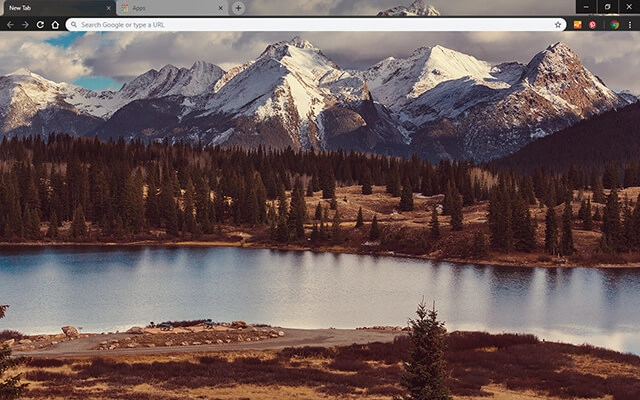
Colorado Mountains

Colorful Flower

Concrete
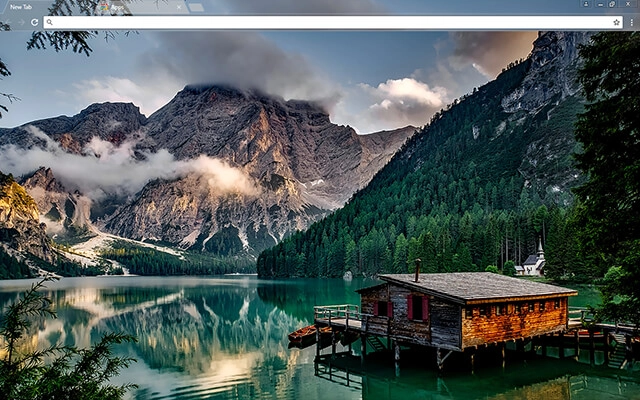
Creek Cabin

Cute Lamas
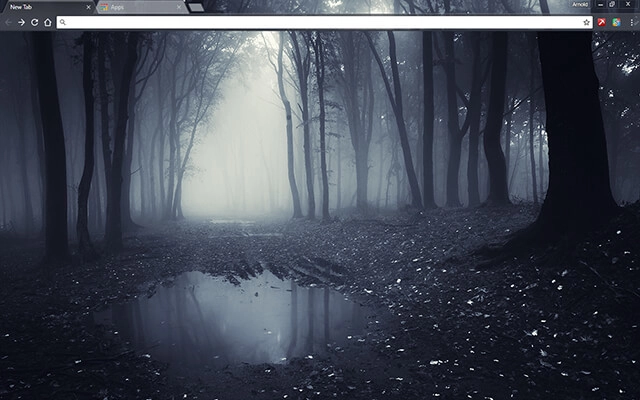
Dark Forest

Dark Grey
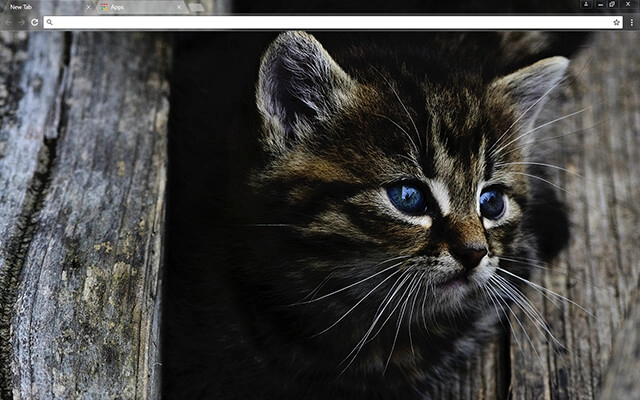
Dark Kitten

Dark Shader

Darker

Dawn Mountain
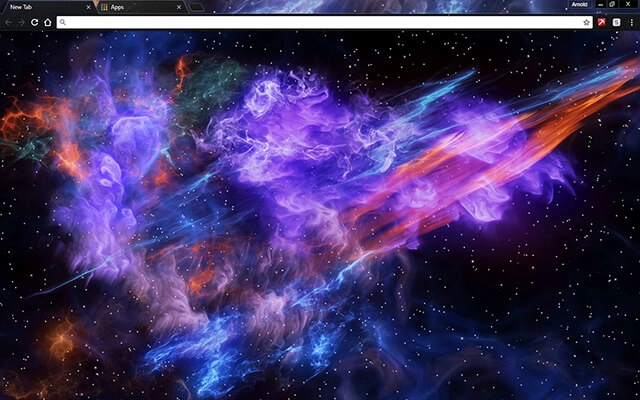
Deep Space

Earth HD
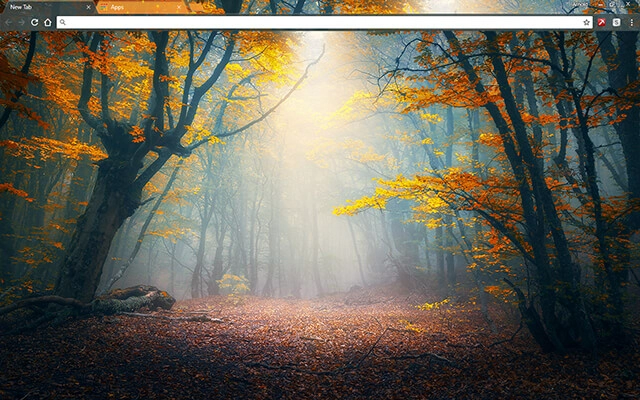
Enchanted Forest
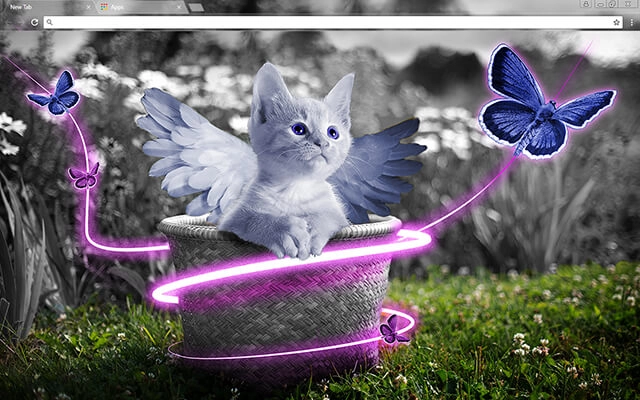
Fairy Kitten
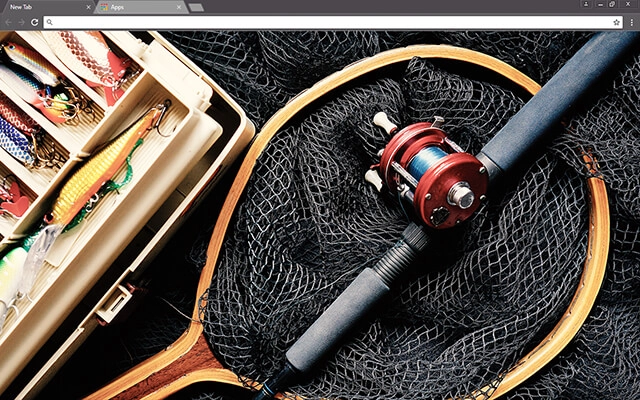
Fishing

Flowing Colors
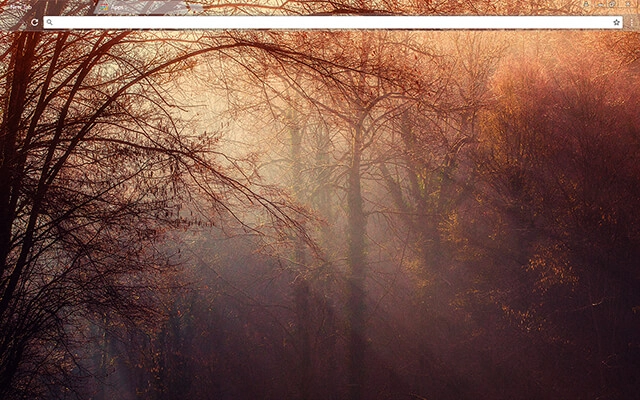
Forestry
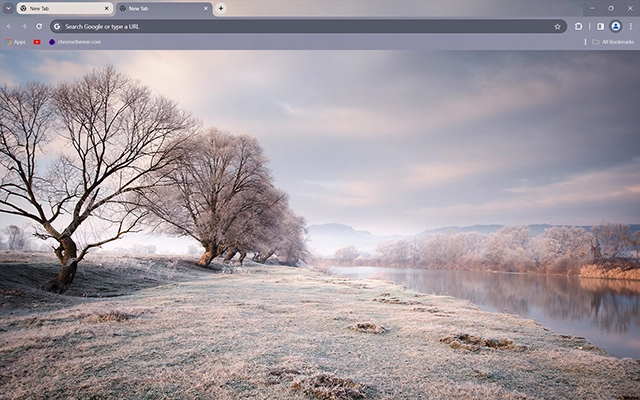
Frozen Meadow
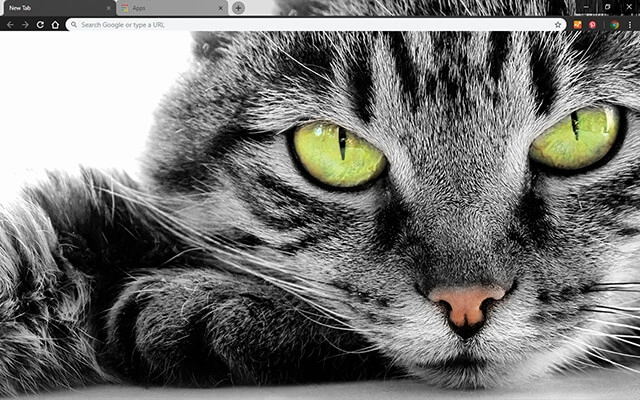
Green Eyed Cat

Grim Reaper

Hoarfrost

Hotbox Dark
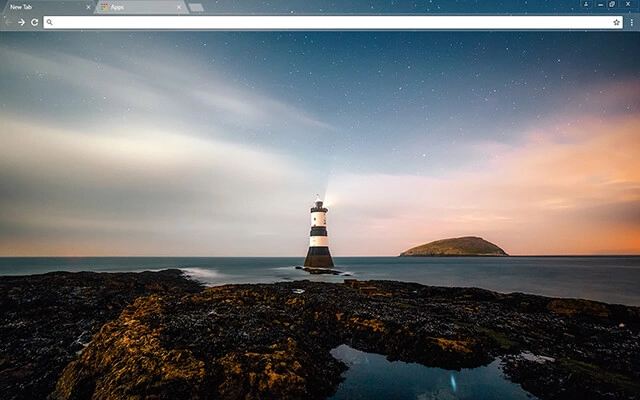
Lighthouse
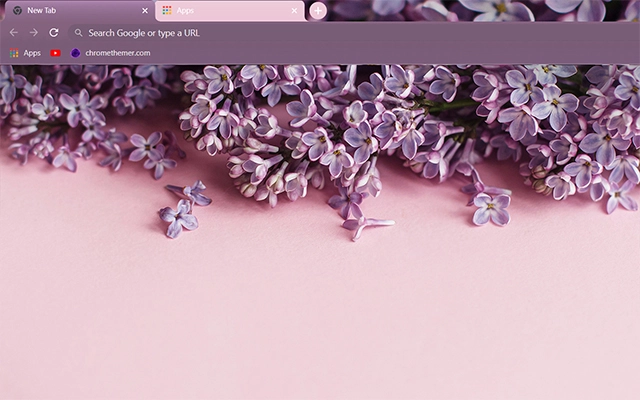
Lilac Flowers

Lilac Violet Flowers
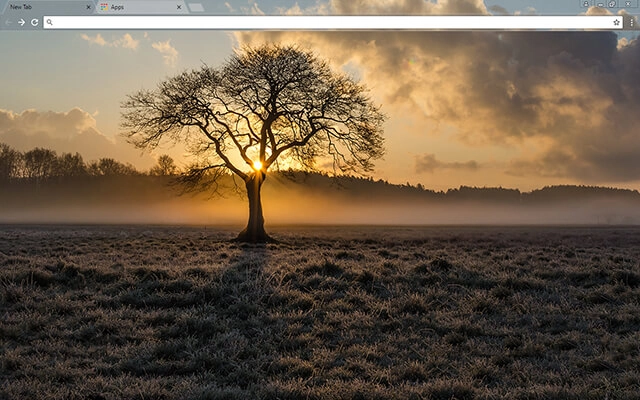
Lone Tree
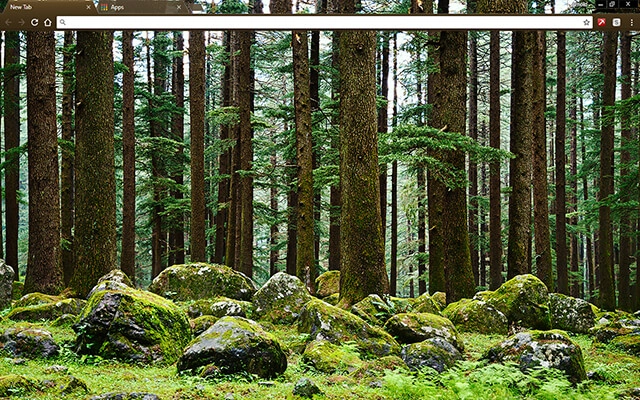
Mystery Forest
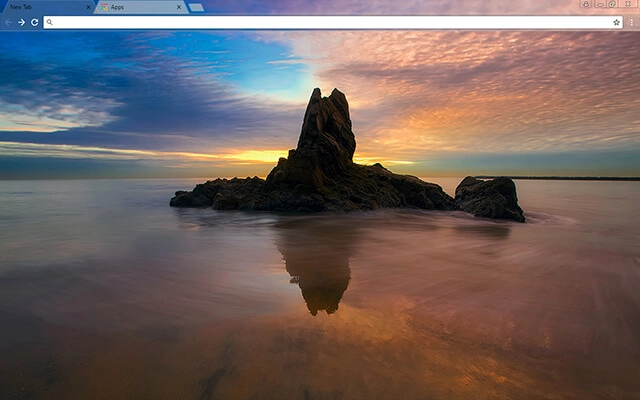
Newport Beach
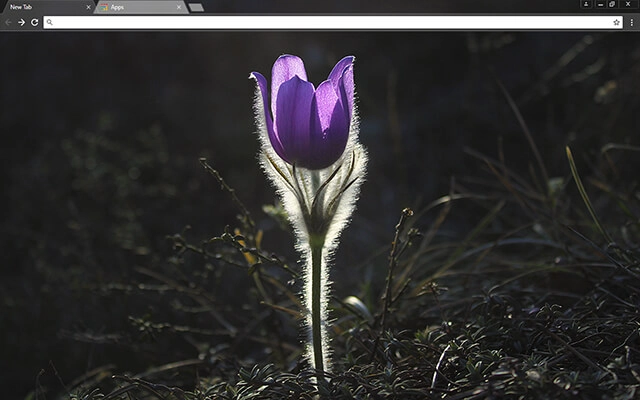
Pasque Flower
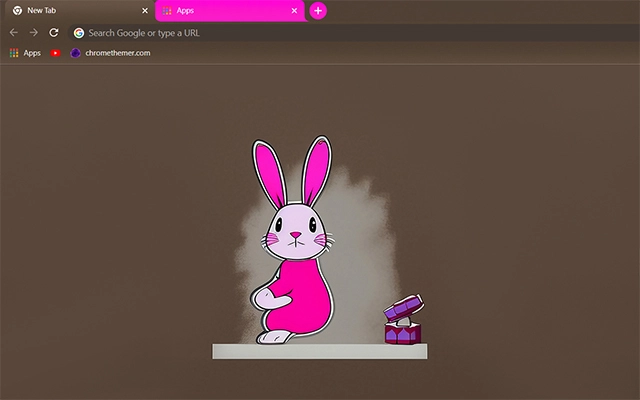
Pink Bunny

Pug Puppy

River Man

River Pond
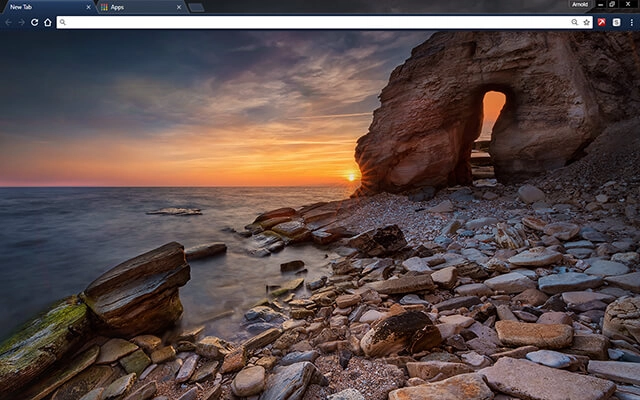
Secret Door

Silver Fiber
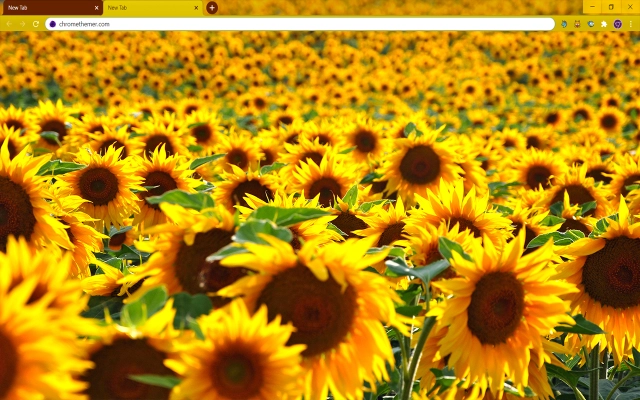
Solarized Sunflowers
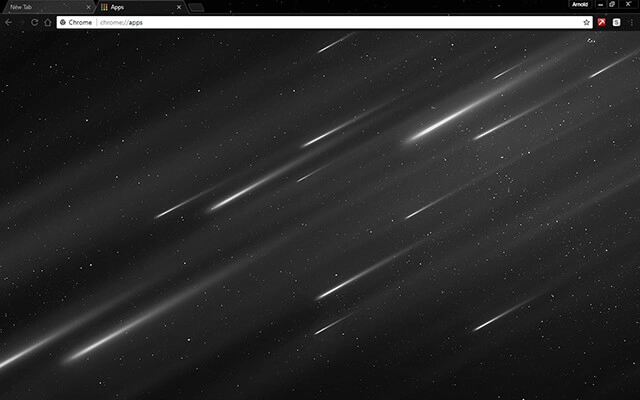
Starfall

Stone Arch

Stormy Waves
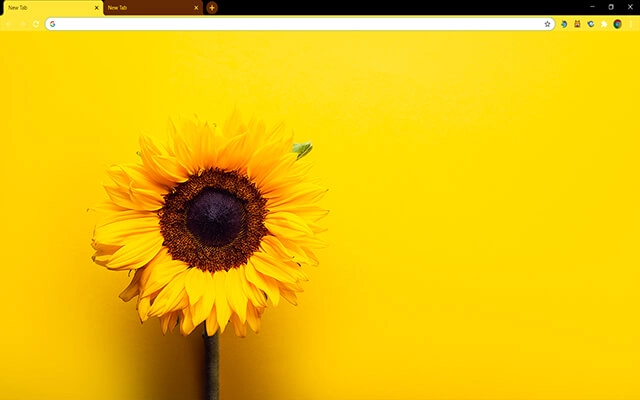
Sunflower Yellow

Sunset Lake

Workspace

Zebras
Browse perfectly curated categories.
Focus
Distraction-free themes designed to reduce visual noise during focused work.
Browse focus themesMinimal
Clean, simplified themes that keep the interface quiet and efficient for work.
Browse minimal themesDark Mode
Dark mode themes designed to reduce eye strain during long browser sessions.
Browse dark mode themesStudy
Themes suitable for reading, research, and sustained study sessions.
Browse study themesLong Work Sessions
Visual stability and comfort for extended work sessions.
Browse long-session themesThemes For Focus
Focus Chrome themes are designed to create a cleaner, calmer browser environment that supports concentration. Instead of loud colors or busy visuals, focus-oriented themes use balanced tones and minimal contrast to reduce unnecessary visual noise while you work.
Unlike extensions, a focus theme does not add features or change how Chrome functions. It simply adjusts visual elements like the toolbar, tab bar, and background so your browser feels more structured and less distracting. This makes themes one of the simplest ways to support attention without adding complexity.
Many users underestimate how much visual clutter affects mental clarity. Bright accents, high contrast interfaces, and overly decorative backgrounds can quietly compete for attention throughout the day. Focus Chrome themes aim to remove that friction and create a workspace that feels stable, neutral, and easier to think in.
Focus themes can be installed instantly through the official Chrome Web Store and removed at any time through Chrome’s appearance settings. Changing your theme does not affect bookmarks, saved passwords, extensions, or browsing history — so you can experiment freely until your browser environment supports the way you work best.
Why My Themes
I’ve been creating Chrome themes for a long time, and I also run ChromeThemer.com — a dedicated home for my theme library and a place where I’ve learned what people actually enjoy using every day.
You’ll find my themes on BrowserWorkTools too, but with a different mission: BrowserWorkTools.com is the more “grown-up” version, focused on practical browsing, deeper productivity, and showing you the tools, extensions, and workflows that make your browser feel like a real workspace.
If you like Chrome themes, I think you’ll love exploring BrowserWorkTools — it’s where the visuals meet better habits and smarter setups.
Note: Wallpapers are available on
ChromeThemer
(not on BrowserWorkTools).

Next steps
For functionality, visit productivity Chrome extensions. For systems, visit browser work setup and workflows.